How to Register an RK Worlds Account in 5 Steps (2024 Guide)
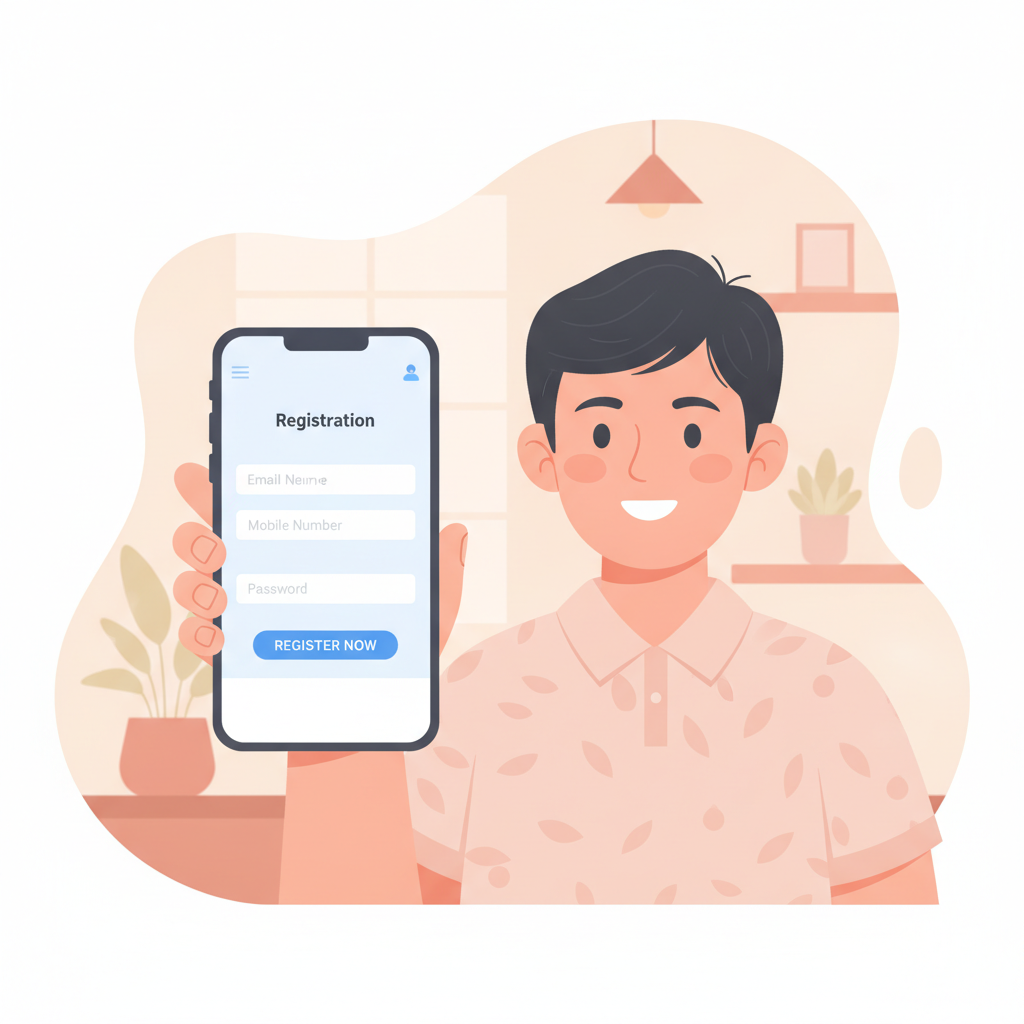
What You Need Before You Start
Before you begin the RK Worlds register process, gather the following information to avoid delays:
- A valid mobile number registered in your name
- Your full legal name (as it appears on your government ID)
- Date of birth proving you are 21 years old or above
- A working email address
- Your home address in the Philippines
- A password you can remember but others cannot guess
Keep your phone nearby—you will receive an SMS verification code during registration.
RK Worlds requires players to be 21 years of age or older. If you are under 21, you cannot create an account.
Step 1: Open the RK Worlds Registration Page
On mobile (Android or iOS browser):
- Open Chrome, Safari, or your preferred browser
- Type "RK Worlds" into the search bar or enter the official RK Worlds URL
- Tap the Sign Up or Register button, usually found in the top right corner or center of the homepage
- The registration form will load on a new page or in a pop-up window
On desktop:
- Visit the official RK Worlds website through your browser
- Click the Register button at the top of the page
- A registration form will appear, either on a new page or as an overlay
The mobile and desktop forms ask for the same information, but mobile layouts stack fields vertically for easier thumb typing.
Step 2: Fill Out Your Personal Information
The RK Worlds registration form is divided into sections. Complete each field carefully—mistakes here can cause delays when you deposit or withdraw later.
Required fields typically include:
- Full Name: Enter your first name, middle name (if applicable), and last name exactly as they appear on your government-issued ID (e.g., PhilSys ID, driver's license, passport, or UMID). Do not use nicknames.
- Date of Birth: Select your birthdate from the dropdown menus or calendar picker. You must be at least 21 years old.
- Mobile Number: Enter your Philippine mobile number in the format requested (usually 09XX-XXX-XXXX). This number will receive your verification code.
- Email Address: Provide a valid email you check regularly. RK Worlds will send account confirmations and notifications here.
- Address: Type your full residential address, including barangay, city or municipality, and province. Some forms ask for a postal code.
- Currency: The form should default to PHP (Philippine pesos). If you see a dropdown, select PHP.
Double-check every entry before moving on. Typos in your name or birthdate can trigger verification problems later.
Step 3: Create a Strong Password and Username
Choosing a secure password:
RK Worlds login security starts with a strong password. Follow these guidelines:
- Use at least 8 characters (some platforms require 10 or more)
- Mix uppercase letters, lowercase letters, numbers, and symbols (e.g., @, #, !)
- Avoid common words like "password," your name, or your birthdate
- Do not reuse passwords from other sites (email, social media, or banking apps)
Example of a strong password structure:
Combine a random word, a number, and a symbol: Sunrise#2024! or Tamaraw@91X
Username (if required):
Some registration forms ask for a unique username in addition to your email. Pick something memorable but not personally identifiable (avoid using your full name or birthdate).
Store your password safely:
Write your RK Worlds login credentials in a secure note on your phone, or use a password manager app. Do not share your password with anyone.
Step 4: Verify Your Phone Number
After you fill out the form and click Submit or Register, RK Worlds will send an SMS verification code to the mobile number you provided.
How phone verification works:
- Check your phone for a text message from RK Worlds (it usually arrives within 1–2 minutes)
- The message will contain a 4- to 6-digit code
- Return to the registration page or pop-up window
- Enter the code in the verification field
- Tap Verify or Confirm
If you do not receive the code:
- Wait 2–3 minutes—network delays are common
- Check that you entered your mobile number correctly
- Tap Resend Code (most forms offer this option after 60 seconds)
- Ensure your phone has signal and SMS is not blocked by settings or carrier filters
- Try restarting your phone or toggling airplane mode on and off
Once verified, your RK Worlds account is active.
Step 5: Complete Email Verification (If Required)
Some operators send a confirmation link to your email after phone verification. Check your inbox and spam folder for a message from RK Worlds.
- Open the email
- Click the Verify Email or Confirm Account link
- You will be redirected to the RK Worlds login page or dashboard
If you do not see an email within a few minutes, check your spam or junk folder. You can also log in to your RK Worlds account and look for a prompt to resend the verification email.
Common Registration Errors and How to Fix Them
"Invalid mobile number"
- Make sure you include the country code or format the number as shown in the example (e.g., 09XXXXXXXXX)
- Check for extra spaces or dashes if you copy-pasted the number
"This email is already registered"
- You may have created an RK Worlds account before. Try the RK Worlds login page with that email.
- If you forgot your password, use the Forgot Password link to reset it
"You must be 21 or older"
- RK Worlds is restricted to players aged 21 and above. If you entered your birthdate incorrectly, start a new registration with the correct date.
- If you are under 21, you are not eligible to register
"Registration failed" or "Error submitting form"
- Clear your browser cache and cookies, then try again
- Switch to a different browser (Chrome, Firefox, or Safari)
- Check your internet connection—slow or unstable connections can interrupt form submission
- Disable any VPN or proxy, as some platforms block registrations from non-Philippine IP addresses
"Verification code not received"
- See troubleshooting steps in Step 4 above
- Contact RK Worlds customer support via live chat if the issue persists
What Happens After You Click Submit
Once your phone number (and email, if required) is verified, your RK Worlds account is ready. Here is what to expect:
- You are logged in automatically (on most platforms) and taken to the RK Worlds dashboard or homepage
- You can browse games—slots, live dealer tables, PBA and NBA sports betting, bingo, and lottery—but you cannot place real-money bets until you deposit
- Next step: make your first deposit. RK Worlds accepts GCash, Maya, and bank transfers via InstaPay and PESONet. Minimum deposits are typically PHP 100–500, depending on the payment method.
- ID verification may be required before your first withdrawal. Keep a clear photo or scan of your government ID ready for when you request a payout.
21+ Only and Responsible Gambling Reminder
RK Worlds is for players 21 years of age and older only. Online gambling should be an occasional form of entertainment, not a way to make money.
Gamble responsibly:
- Set a budget before you play and do not chase losses
- Take breaks and do not play when you are stressed, tired, or under the influence of alcohol
- If you feel your gambling is becoming a problem, seek help from a counselor or support organization
Ready to Register?
You now know how to complete the RK Worlds register process from start to finish. The entire sign-up takes less than five minutes if you have your information ready.
After registration, you can explore the game lobby, read the rules for slots and live dealer tables, check PBA and NBA betting odds, and prepare for your first deposit. For step-by-step deposit instructions and beginner tips on how to play RK Worlds, visit the other guides on this site.
Remember: Always log out of your RK Worlds account when you finish playing, especially on shared or public devices. Keep your RK Worlds login details private to protect your account and funds.