RK Worlds ID Verification: What Documents You Need and How to Upload
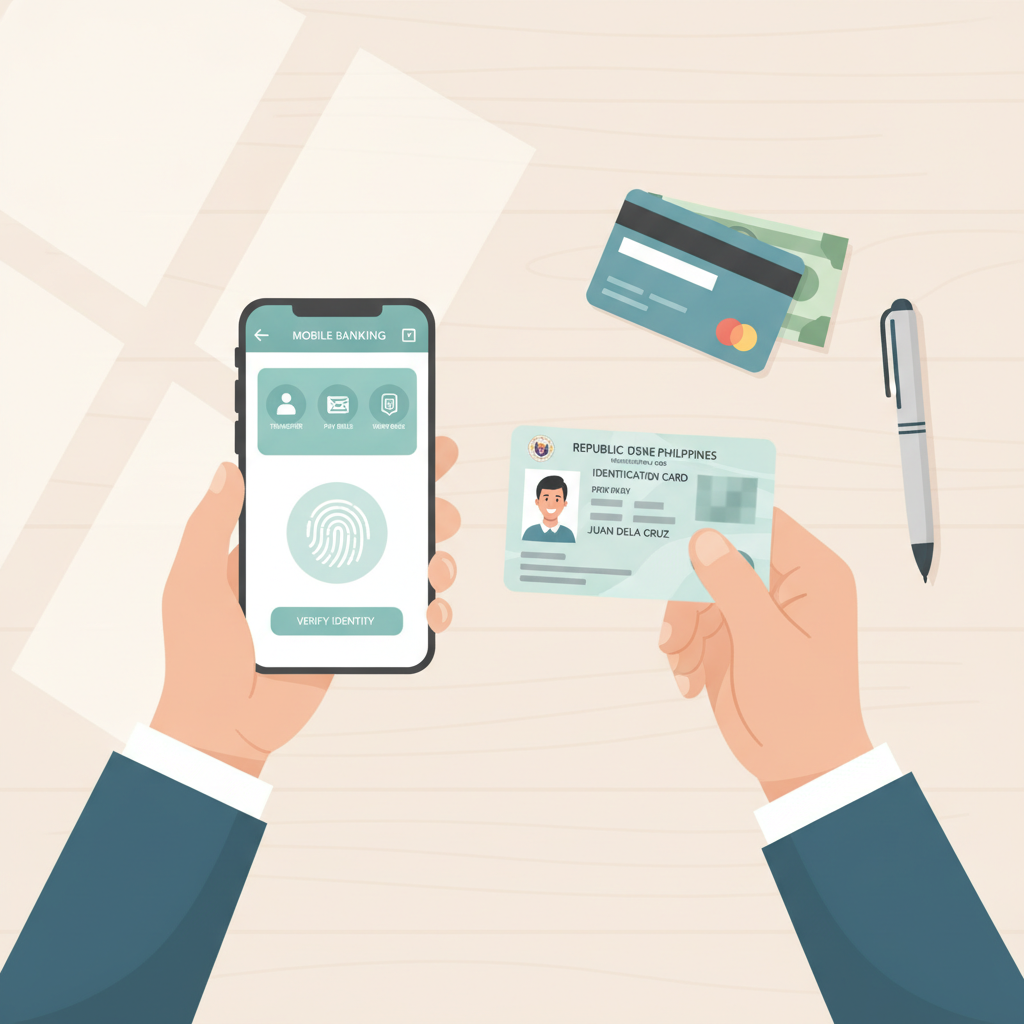
Why RK Worlds Asks for ID Verification
When you register at RK Worlds, the platform will ask you to verify your identity before you can make your first withdrawal. Some players may also be asked to complete verification before placing bets or making larger deposits.
RK Worlds uses ID verification to meet compliance requirements in the online gambling industry. The process confirms that you are over 21 years old and that the payment methods you use—GCash, Maya, or bank transfer—belong to you. Verification also protects your account by making it harder for anyone else to access your funds or personal information.
You only need to verify your identity once. After your documents are approved, you can deposit and withdraw without repeating the process, as long as your account details stay the same.
Acceptable Documents for RK Worlds Verification
RK Worlds accepts the following types of documents from Filipino players. You will typically need to provide at least two: one government-issued ID and one proof of address.
Government-Issued ID
You must submit a valid, unexpired photo ID issued by a Philippine government agency. Accepted IDs include:
- Philippine passport
- Driver's license
- UMID (Unified Multi-Purpose ID)
- PhilHealth ID
- SSS ID
- Postal ID
- Voter's ID
- PRC (Professional Regulation Commission) ID
- National ID (PhilSys ID)
The ID must show your full name, date of birth, photo, and ID number. Make sure all four corners of the card are visible in your photo and that the text is clear and readable.
Proof of Address
RK Worlds may ask for a document that confirms your current residential address in the Philippines. This document should match the address you entered during RK Worlds register. Accepted proof of address includes:
- Utility bill (electricity, water, internet, or landline) from the past three months
- Bank statement from the past three months
- Barangay certificate or clearance showing your address
- Credit card statement
The document must clearly show your full name and complete address. If you live with family and the bill is under someone else's name, a barangay certificate in your name is usually the easiest option.
Selfie Verification
Some players will be asked to upload a selfie holding their government ID next to their face. This step confirms that the person in the ID photo is the same person who owns the RK Worlds account.
When taking your selfie:
- Hold your ID beside your face so both your face and the ID are clearly visible
- Make sure the room is well-lit—avoid backlighting or shadows
- Keep the image in focus; blurry selfies are a common reason for rejection
- Do not wear sunglasses or a hat that covers your face
- Use your phone's rear camera if possible for better quality
Step-by-Step Photo Upload Guide from Your Android Phone
Most Filipino players access RK Worlds on mobile, so here's how to upload your verification documents from an Android phone.
Step 1: Log In to Your RK Worlds Account
Open the RK Worlds website on your phone's browser or the RK Worlds app if you have it installed. Enter your RK Worlds login credentials—your registered mobile number or email and your password.
Step 2: Go to the Verification Section
After logging in, tap the menu icon (usually three lines in the top corner) and look for Account, Profile, or Verification. The exact label varies, but it's typically under account settings. You may also see a banner or notification prompting you to complete verification.
Step 3: Choose the Document Type
You will see options for the type of document you want to upload: Government ID, Proof of Address, or Selfie. Select the category that matches the document you're ready to submit.
Step 4: Take or Select a Photo
You will have two choices:
- Take a new photo: Tap the camera icon to open your phone's camera and take a picture of your document. Lay the document flat on a table with good lighting. Make sure all four corners fit in the frame and that text is sharp.
- Upload from gallery: If you already have a clear photo saved, tap the gallery icon and select it from your phone.
Tips for clear photos:
- Avoid glare by turning off your flash and using natural or overhead light
- Do not cover any part of the document with your fingers
- Keep your phone steady or rest it on a surface to avoid blur
- Save the image at the highest quality your camera allows
Step 5: Review and Submit
Before you tap Submit or Upload, zoom in on the photo to check that all text is readable. Common mistakes include:
- Cut-off corners or edges
- Shadows or glare covering important details
- Low resolution or pixelation
If the photo looks clear, tap Submit. You should see a confirmation message that your document has been received.
Step 6: Repeat for Additional Documents
If RK Worlds asks for more than one document—such as both an ID and proof of address—repeat the process for each one. Some players are asked to submit two or three items; others only need one.
How Long Verification Takes and What to Do if Rejected
Verification Processing Time
RK Worlds typically reviews documents within 24 to 72 hours on business days. During weekends and holidays, processing may take a bit longer. You can check the status of your verification in the same section where you uploaded your documents.
You will receive a notification—by email, SMS, or in your RK Worlds account dashboard—once your documents are approved or if additional information is needed.
What Happens If Your Documents Are Rejected
If RK Worlds cannot verify your documents, you will receive a message explaining why. The most common reasons for rejection include:
- Blurry or low-quality image: The text or photo on the ID is not clear enough to read.
- Expired ID: The document is no longer valid.
- Wrong document type: You uploaded something RK Worlds does not accept.
- Name or address mismatch: The details on your ID or proof of address do not match the information you entered when you registered.
- Incomplete image: Corners or edges are cut off, or important details are covered.
If your document is rejected, you can re-upload a new, clearer photo. Double-check that:
- The document is current and valid
- Your full name matches your RK Worlds register details exactly
- The image is well-lit, in focus, and shows the entire document
- There is no glare, shadow, or obstruction
There is no penalty for resubmitting, and most players who fix the issues above are approved on the second attempt.
Contacting Support
If you have tried uploading documents more than once and still face issues, or if you are unsure which documents to submit, you can contact RK Worlds customer support. Look for the Help, Support, or Live Chat option in your account. Have your account details ready and explain which document was rejected and why. Support can often clarify what is needed or escalate your case for manual review.
21+ Requirement and Responsible Gambling
RK Worlds is only for players who are 21 years old or older. ID verification ensures that all users meet this legal age requirement before they can deposit, bet, or play games on the platform.
Gambling should always be treated as entertainment, not a way to make money. Set a budget before you play, and only deposit what you can afford to lose. If you ever feel that gambling is becoming a problem, take a break and consider reaching out to a local support organization.
RK Worlds offers tools to help you stay in control, including deposit limits and self-exclusion options, which you can find in your account settings.
This is an independent guide. RK Worlds Guide PH is not operated by or affiliated with RK Worlds. All information is provided for educational purposes to help Filipino players understand how the platform works.