RK Worlds Login: How to Sign In and Recover Your Password
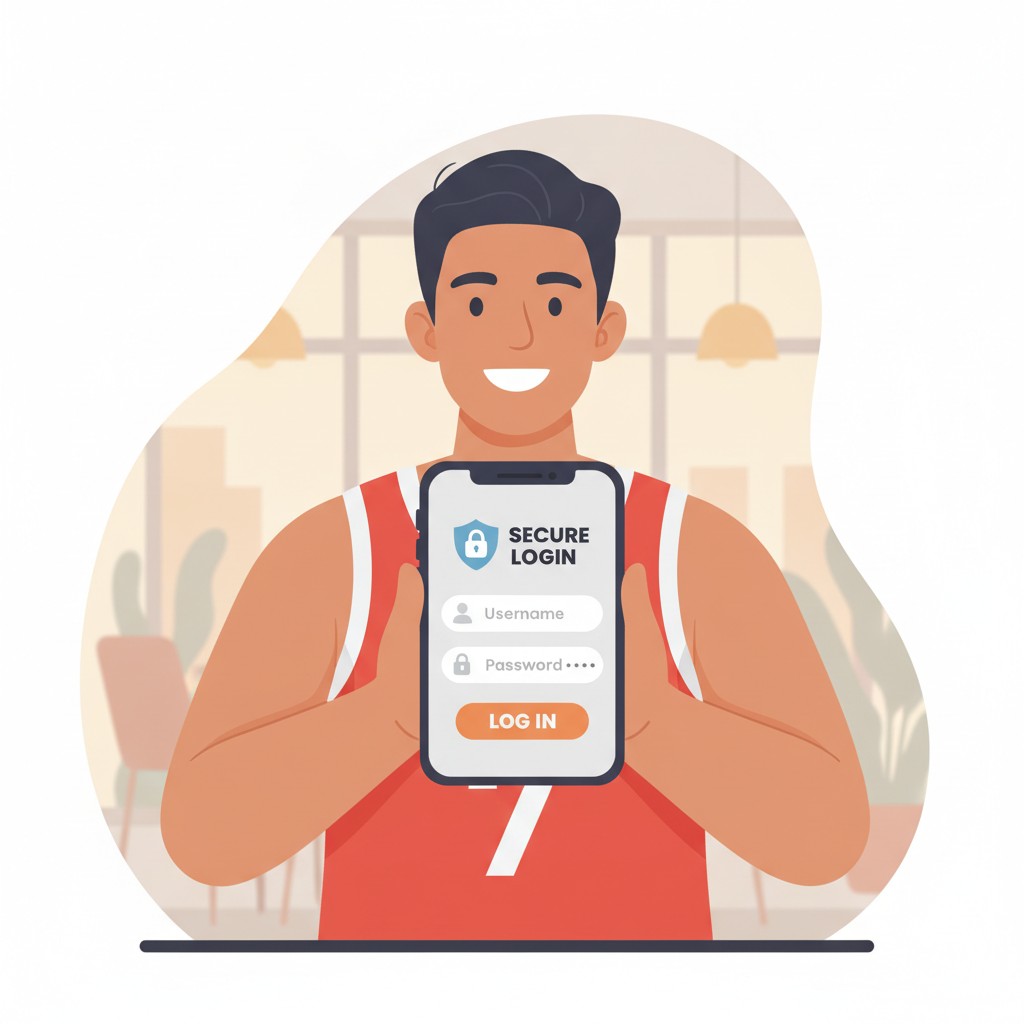
Where to Find the RK Worlds Login Page on Mobile and Browser
Getting to the RK Worlds login page is straightforward whether you're using a mobile phone or a desktop browser.
On mobile browsers, open Chrome, Safari, or your preferred browser and visit the RK Worlds website. You'll see a Log In button at the top-right corner of the screen. Tap it to open the login form. Because most Filipino players access RK Worlds on Android phones, the site automatically adjusts to fit smaller screens—no zooming or scrolling sideways needed.
On desktop or laptop browsers, the layout is similar. The Log In button sits in the same top-right position on the homepage. Click it and a login box will appear, either as a pop-up window or on a dedicated login page depending on the version of the site you're viewing.
If you've bookmarked the main RK Worlds page, you can go straight there. Just make sure the URL is correct—always double-check the web address to avoid fake phishing sites designed to steal login credentials. The official domain should match what you used when you first registered.
Entering Your Username and Password Correctly
Once you've opened the login form, you'll see two fields: one for your username or registered email, and another for your password.
Username or email: Type the exact username you chose during RK Worlds registration. Some players use their email address instead; RK Worlds accepts both. Make sure there are no extra spaces before or after your username—this is a common mistake when copying and pasting.
Password: Enter your password exactly as you set it up. Passwords on RK Worlds are case-sensitive, so "Password123" is different from "password123". If you're using a mobile keyboard, watch out for autocorrect changing letters or adding capital letters unexpectedly.
After filling in both fields, tap or click the Log In button. If your details are correct, you'll be taken straight to the RK Worlds lobby where you can choose slots, live dealer games, sports betting on PBA or NBA, bingo, or lottery.
Common login mistakes to avoid:
- Typing the wrong email domain (e.g., @gmial.com instead of @gmail.com)
- Caps Lock accidentally turned on when entering your password
- Using old credentials if you recently updated your password
- Entering your GCash PIN or Maya password instead of your RK Worlds account password
If the system tells you "Incorrect username or password," double-check both fields before trying again. After several failed attempts, your account may be temporarily locked for security reasons. Wait a few minutes or follow the password recovery steps below.
What to Do If You Forget Your Login Details (Password Reset Steps)
Forgetting your password happens, especially if you haven't logged into RK Worlds in a while or you use different passwords across multiple sites. RK Worlds provides a simple password recovery process.
Step 1: Click "Forgot Password?"
On the login page, look for a link labeled Forgot Password? or Reset Password below the password field. Tap or click it.
Step 2: Enter your registered email or username
You'll be asked to type the email address or username you used when you registered. Make sure it's the same one linked to your RK Worlds account. Then submit the form.
Step 3: Check your email inbox
RK Worlds will send a password reset email to the address on file. This usually arrives within a few minutes, but check your Spam or Junk folder if you don't see it in your main inbox. The email will come from an official RK Worlds domain—again, watch out for phishing attempts from lookalike addresses.
Step 4: Click the reset link
Open the email and click the password reset link. This will take you to a page where you can create a new password.
Step 5: Create a strong new password
Choose a password that's at least eight characters long and includes a mix of uppercase letters, lowercase letters, numbers, and symbols if allowed. Avoid obvious choices like "password123" or your birthdate. Write it down in a safe place or save it in a password manager app on your phone.
Step 6: Log in with your new password
Once you've confirmed your new password, return to the RK Worlds login page and sign in using your username and the password you just created.
If you've forgotten your username or registered email:
This is trickier. You'll need to contact RK Worlds customer support directly. Have your full name, phone number, and any other account details ready to verify your identity. Support is typically available via live chat on the website or through the email listed on the Contact page.
Login Security Tips: Two-Factor Authentication and Avoiding Phishing
Keeping your RK Worlds account secure protects your deposits, personal information, and any winnings in your balance. Here are practical steps you can take.
Use two-factor authentication (2FA) if available
Two-factor authentication adds an extra layer of security by requiring a one-time code—sent to your phone via SMS or generated by an authentication app—every time you log in from a new device. Check your RK Worlds account settings to see if 2FA is offered. If it is, turn it on. Even if someone gets hold of your password, they won't be able to access your account without the second code.
Never share your password
RK Worlds will never ask you for your password through email, SMS, or social media messages. If someone claiming to be from RK Worlds support asks for your login credentials, it's a scam. Legitimate support staff can help you reset your password without needing to know what it is.
Watch out for phishing websites
Scammers create fake login pages that look nearly identical to the real RK Worlds site. Always check the URL in your browser's address bar before entering your username and password. If the domain looks suspicious or slightly misspelled, close the page immediately. Bookmark the official RK Worlds homepage to avoid accidentally visiting fake sites.
Use a unique password
Don't reuse the same password you use for GCash, Maya, Facebook, or your email. If one account gets hacked, criminals will try that password on other platforms. A unique password for RK Worlds limits the damage if a breach happens elsewhere.
Log out on shared devices
If you're using a friend's phone or a public computer, always log out of your RK Worlds account when you're done. Browsers can save login details, making it easy for the next person to access your account.
Keep your phone secure
Since most Filipino players use RK Worlds on mobile, make sure your phone itself is protected. Set a strong lock-screen PIN or use biometric security like fingerprint or face unlock. If your phone is lost or stolen, change your RK Worlds password immediately from another device.
Update your password regularly
Consider changing your password every few months, especially if you've logged in from a public Wi-Fi network. Public Wi-Fi can be less secure, so avoid entering sensitive information over unsecured networks whenever possible.
21+ Only, Play Responsibly
RK Worlds is strictly for players aged 21 and over. Online gambling should be an entertainment choice, not a way to make money or solve financial problems.
Set a budget before you log in and stick to it. Decide how much you're comfortable depositing—whether that's PHP 100, PHP 500, or another amount—and never chase losses by depositing more than you planned. RK Worlds offers slots, jackpot games, live dealer tables, PBA and NBA sports betting, bingo, and lottery, all of which involve real money and real risk.
If you feel that gambling is becoming a problem, or if you're spending more time or money than you intended, reach out for help. Responsible gambling tools may be available in your RK Worlds account settings, such as deposit limits or self-exclusion options. You can also contact organizations that provide support for problem gambling.
Remember: the RK Worlds login is your gateway to entertainment, but keeping control of your play and protecting your account are your responsibilities. Log in smart, play safe, and know when to log out.